

Unbox & connect
HDMI, 5V / 3A power, remote, stand, camera position and first start.
Open setup guideKINHANK MotionX support
Setup, accounts, updates, offline play, motion tracking and order support—all in one place.
Start here
HDMI, 5V / 3A power, remote, stand, camera position and first start.
Open setup guideRegistration, sign-in, device access and included games.
View account answersFirmware, game versions, new levels and interrupted downloads.
View update answersLighting, camera view, physical cover and movement detection.
View tracking answersPlayer count, offline support, game availability and language.
Explore gamesDelivery, returns, warranty eligibility and contacting support.
View order answersExplore 50+ games in the current catalog. 40+ core games are included at no extra cost. Every subscription game includes at least one playable level before you subscribe, and new games are delivered every month through updates. Title availability and entitlements vary by market or software version.
Quick start
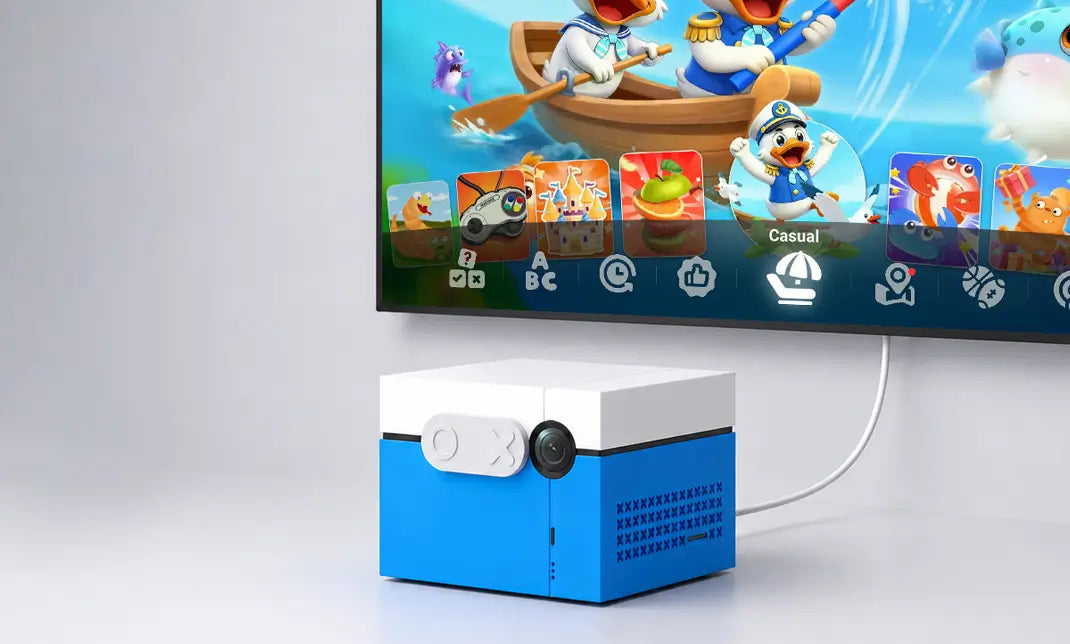
Connect HDMI and 5V / 3A power, position the camera, then complete account sign-in and required updates on screen.
Account & connectivity
Updates & downloads
Use a stable internet connection and keep KINHANK MotionX connected to power.
Reconnect to the network, restart only if prompted, and retry the download.
Open the game library and check that the update completed successfully.
New games delivered every month through updates
Motion tracking

Orders & service
Use your order number and email, or enter the carrier tracking number on our 17TRACK-powered tracking page.
Available methods, cost, tax treatment and delivery estimates appear for your destination at checkout.
Eligibility, return window, condition and shipping responsibility follow the policy for the selling entity and destination.
The limited hardware warranty covers eligible product-quality issues for 12 months. Keep your order confirmation and device information for a claim.
Include your order number, product color, plug, software version, a short issue description and any on-screen error.