

The camera sees movement
The live camera feed is used to identify player movement needed by the active game.
Privacy & safety
KINHANK MotionX processes the camera feed on the device to recognize movement. Camera video is not uploaded to the cloud.
Privacy at a glance
The live camera feed is used to identify player movement needed by the active game.
Movement recognition happens on the KINHANK MotionX hardware rather than uploading the camera feed for cloud processing.
The camera’s video feed does not leave the device as part of motion recognition.
What happens to the camera feed
During motion play, camera frames are processed on KINHANK MotionX to turn body movement into game input. The camera video feed is not uploaded to the cloud.
Players move within the camera view during a game.
KINHANK MotionX recognizes body movement locally and creates game input.
The game reacts. Camera video is not uploaded to the cloud.
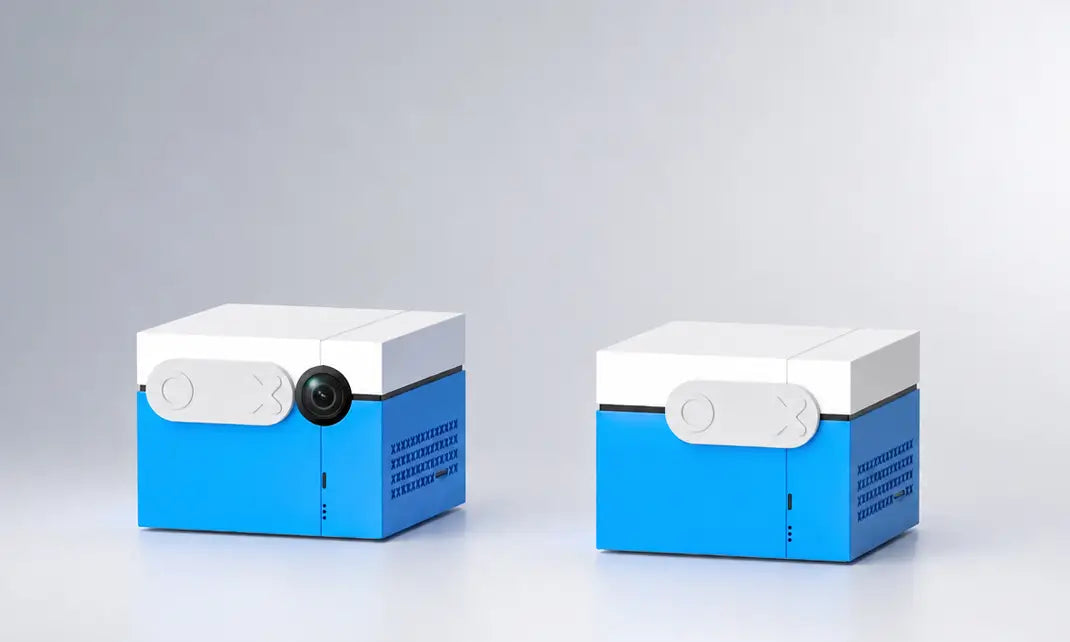
Physical camera cover
Close the physical cover when the camera is not needed. Open it for motion play and make sure the full player is visible on screen.

Device, account and gameplay data
KINHANK MotionX may transmit operational data needed to manage the device, software, entitlements and service. This is separate from camera video.
Device model and identifiers needed for service, compatibility and entitlement management.
Firmware and game versions used to deliver updates and diagnose compatibility.
Game-use events may be transmitted to understand product operation and content use.
Account, entitlement and transaction data are handled through the applicable service and store systems.
Why an account is required
Associate the KINHANK MotionX hardware with the account used during setup and support.
Explore 58 games in the current catalog. 40+ core games are included at no extra cost. Every subscription game includes at least one playable level before you subscribe, and new games or levels are delivered monthly through software updates. Title availability and entitlements vary by market or software version.
Deliver current software and support game-use data needed by the product experience.
Children and safe play
Legal policy
This page is a product explanation, not a replacement for the legal Privacy Policy.
Privacy questions
Our support team can help with account, device-data and privacy questions.